| 1 |
Download .deb package from Brother website store it on your Desktop 1. LPR driver ( mfc5890cnlpr-1.1.2-2.i386.deb ) 2. cupswrapper driver ( mfc5890cncupswrapper-1.1.2-2.i386.deb ) |
| 2 |
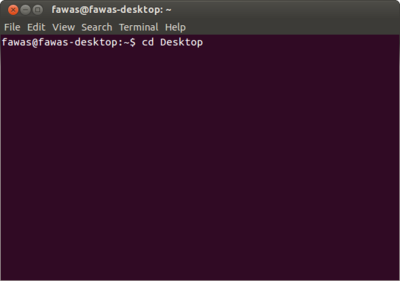 Using the Terminal ( Ctrl+Alt+T ) Navigate to Desktop `cd Desktop` |
| 3 |
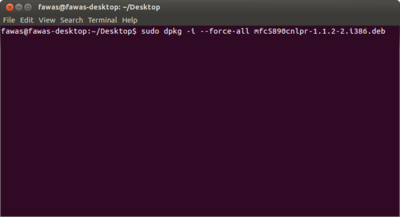 First install LPR Driver `sudo dpkg -i --force-all mfc5890cnlpr-1.1.2-2.i386.deb` if there is some error like
just type `sudo then re-install LPR again |
| 4 |
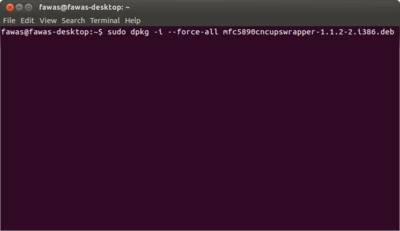 install CupsWrapper `sudo dpkg -i --force-all mfc5890cncupswrapper-1.1.2-2.i386.deb` |
| 5 |
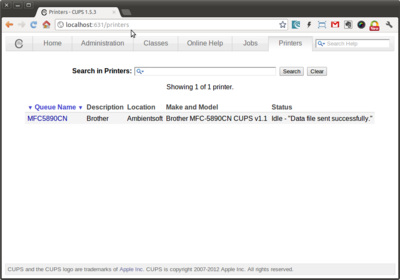 Open your web browser such as Google Chrome or Firefox navigate to address http://localhost:631/printers |
| 6 |
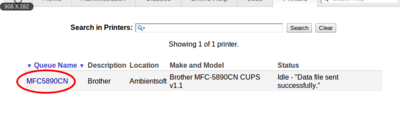 Choose MFC5890CN from the list |
| 7 |
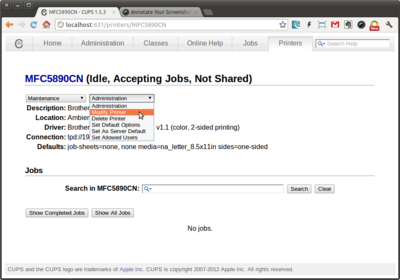 Choose Modify Printer |
| 8 |
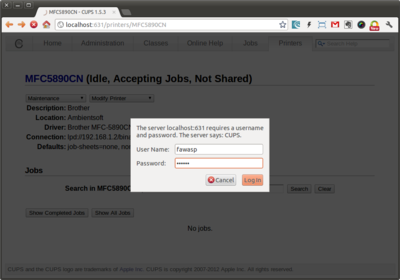 Input your username and password of the system (like when first login to Ubuntu) |
| 9 |
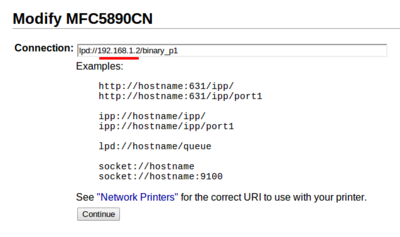 choose `LPD/LPR Host or Printer` type connection lpd://192.168.1.2/binary_p1 ** the ip-address which you define in your printer |
| 10 |
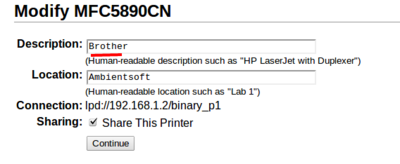 Input your printer name |
| 11 |
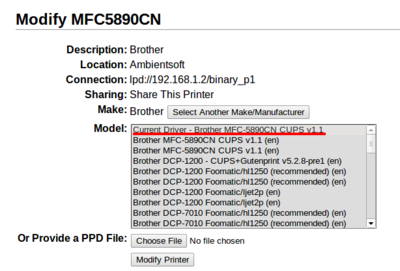 Choosng printer driver |
| 12 |
try print test page |

☰